There is a problem when editing images in Header Template part in theme templates in the site editor. We are aware of the issue and hope to fix it soon. There is a simple workaround.
If you have set an image in the header template. It will appear as expected when visitors view the site.
But if you edit the template again, typically via the Edit Site button on the Admin toolbar, you will see the image is missing in the editor.

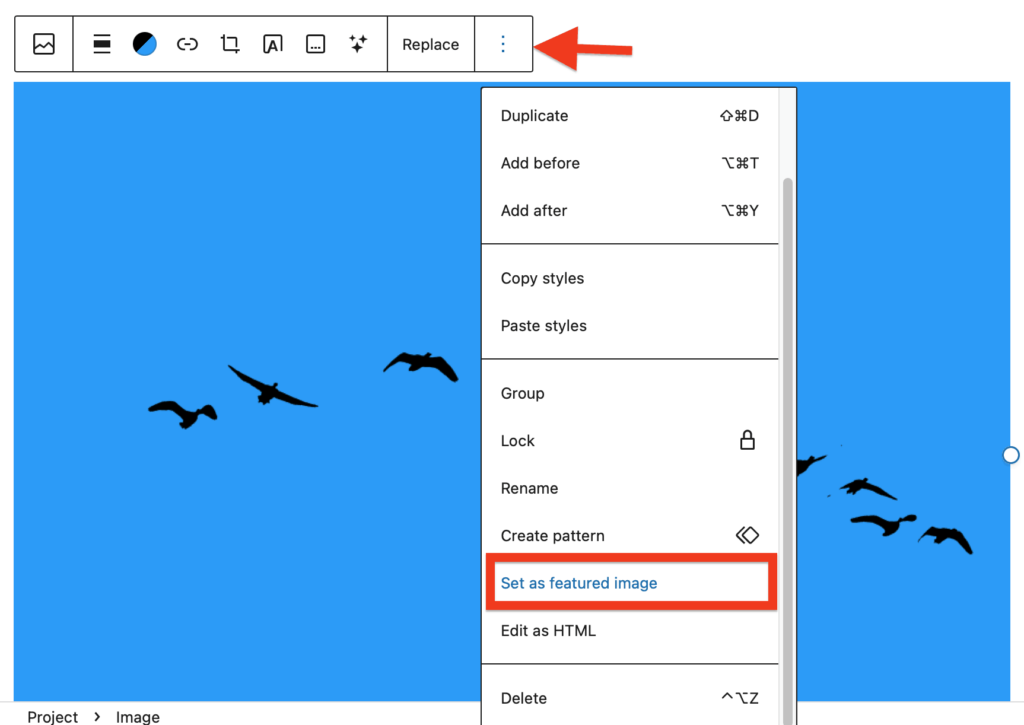
By selecting the Cover Block in the editor you can replace the image; the correct one will be already chosen in the media library. This will fix the issue in the editor until you edit again; the image will again show as missing.
Workaround
Ignore the issue in the editor. If you need to work on the image you can replace it while you do, but you can leave it as missing and it will not affect the public view of your site.