This issue has been fixed with a release on Monday 13 October. PDFs now upload as expected.
An issue with pdf uploaded to Glow Blogs has recently developed. Our developers are looking at the issue to create a fix.
The issue is that pdfs uploaded to Glow Blogs are ‘truncated’ to one page.
We hope this is fixed soon. There are a few workarounds you can use in the meantime.
Workaround 1 Media Settings
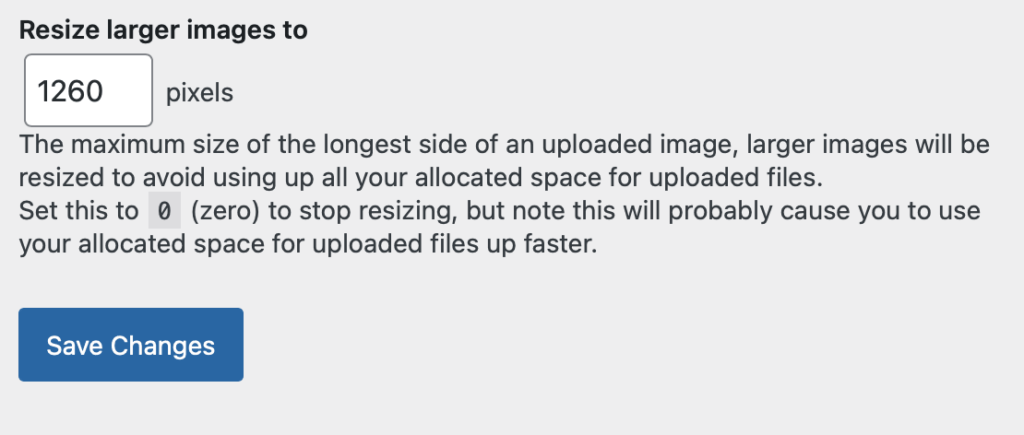
In your dashboard Settings -> Media
set the Resize larger images to setting to 0 and save.
This has the disadvantage that it will allow you to upload very large images to you blog without resizing. This will take up space on your blog very quickly. We recommend that you change the setting, then reset it to 1260 after uploading PDFs.
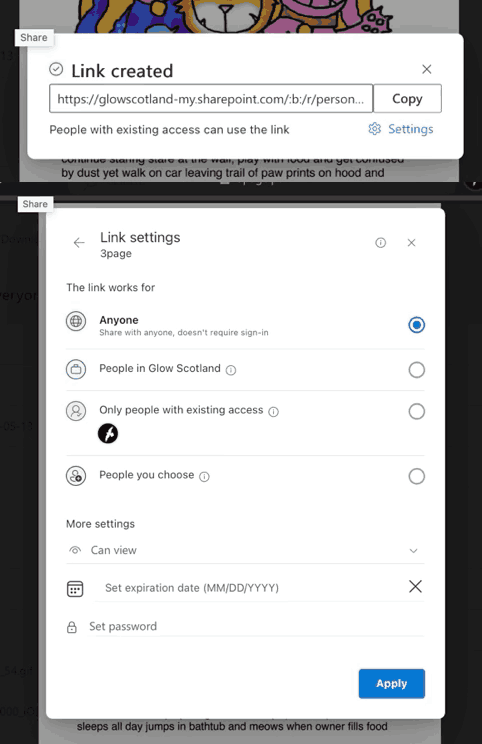
Pdf uploaded after changing settings using the file block.