Tag Archives: Primary

Turn Reading into Writing – Four Video Lessons⤴

from @ DF Scotland Teach

Here are four video lessons on turning Reading into Writing, which I have created for the children in my school as part of my CLoL project as well as to give colleagues a lesson for which they do not have to plan/prepare and record.  Feel free to use them with your learners or take ideas from them if you like.  Each is designed to be a stand alone lesson that can be adapted across different stages, differentiating by outcome/expectation and all are linked to CfE E&O’s with SC being drawn from benchmarks.

Whilst the videos vary in length, I would expect each lesson to take between 60-90 minutes for children to complete as they are asked to pause whilst doing different tasks.


CfE Early Level: Writing Stories with a Story Map

This is an Early Level – pre/new writer – lesson – which uses a ‘Story Map’ or ‘Text Map’ to explore reading and learning texts (see Pie Corbett’s Talk for Writing for more on this methodology).  In this lesson we take a simple story; learn it and then continue it.  Most suitable for advanced Early Years settings, P1 classes, and pre-writers in P2.  I wouldn’t recommend for older children regardless of ability as the content will feel very childish for them.


CfE First Level: Stories to Scripts

This is a First Level lesson which uses the same model text as in the previous lesson, however this time learns to up-level it, extend it and then convert it into a script which allows for much greater application of skills.  I would consider this mainly for on track/higher achieving P2 / lower ability P3.  I wouldn’t recommend for many in P4 as the following lesson, whilst much more advance, should still be accessible as all text is read.


CfE First Level: Script Writing

This is also a First Level lesson, although all of the skills and SC are transferrable to the similarly worded Second Level Outcomes, so would be suitable also for children just starting Second Level that may struggle with some aspects of the following lesson.  Aimed broadly at high achieving P3s, on-track/high achieving P4s and P5s who are not yet on track, with consideration for some just on track.  The content is not however too childish for P6 & P7 who require additional support, as, whilst the text is a traditional fairy tale, it is in such a way that children turn it into their own story and choose their own ending.


CfE Second Level: Script Writing

This is a second level lesson which is really applicable to all children working across the level as it can be easily differentiated by outcome.  It takes two texts and develops them as both stories and scripts with HOTS playing a key role.


Snow Day STEM⤴

from @ DF Scotland Teach

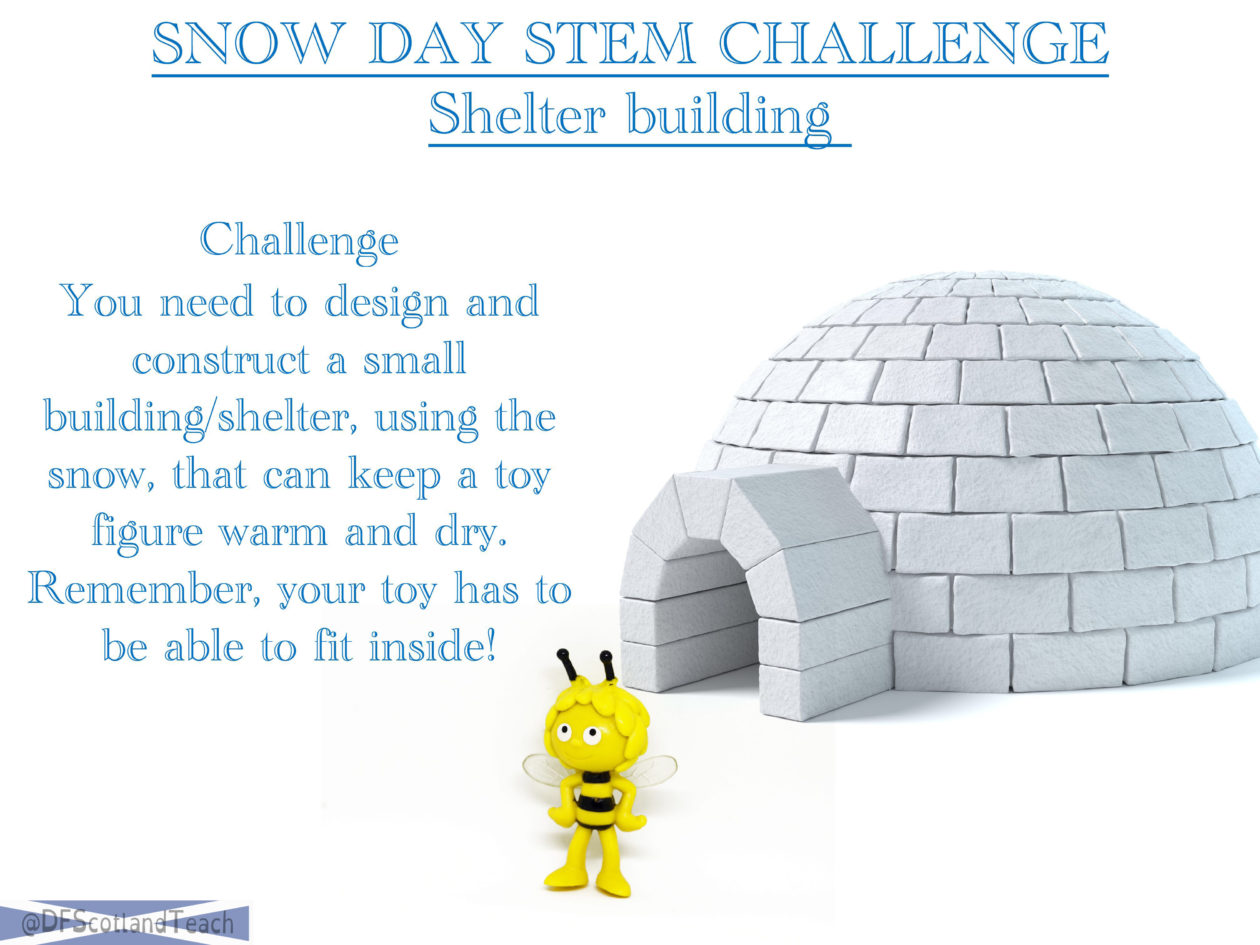
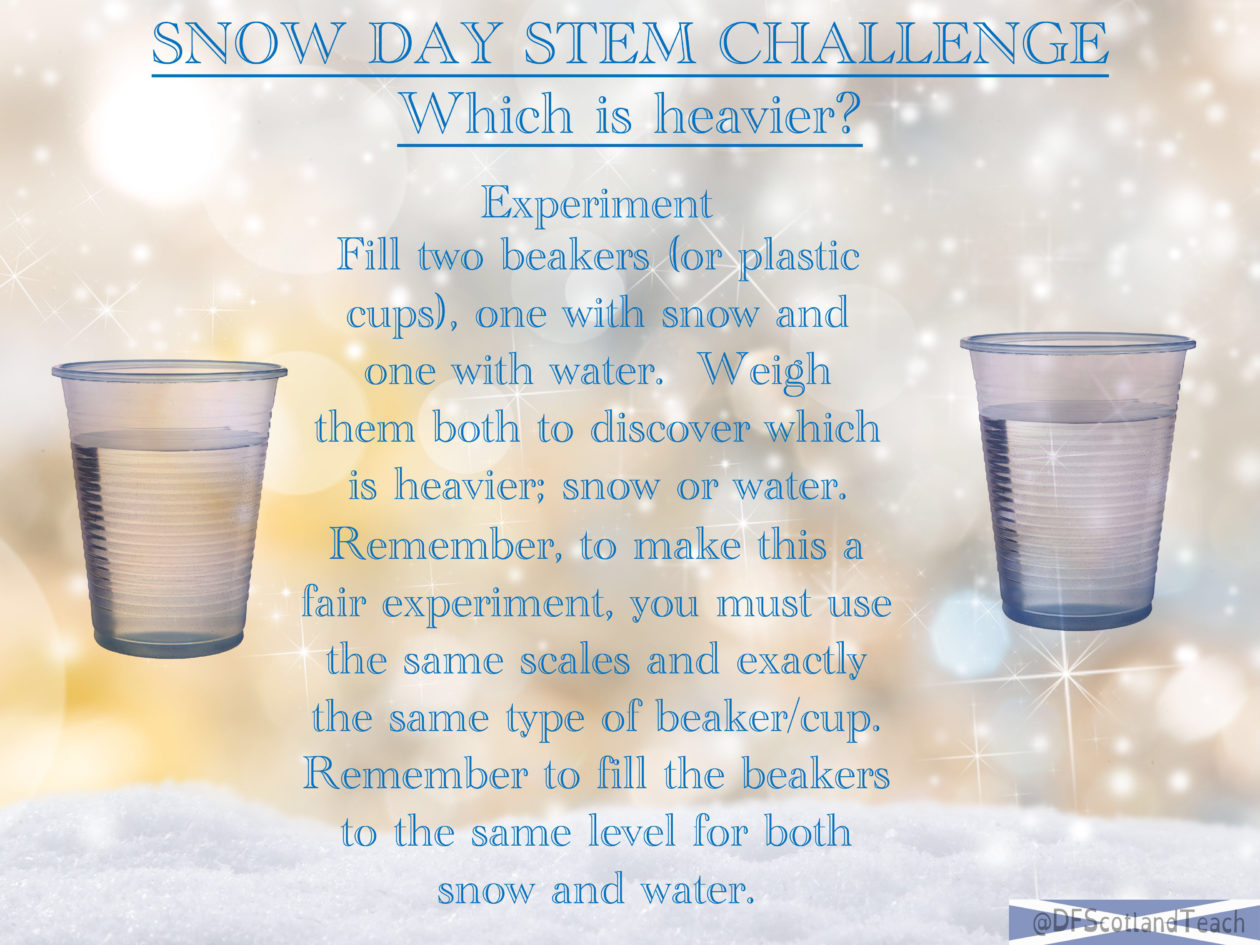
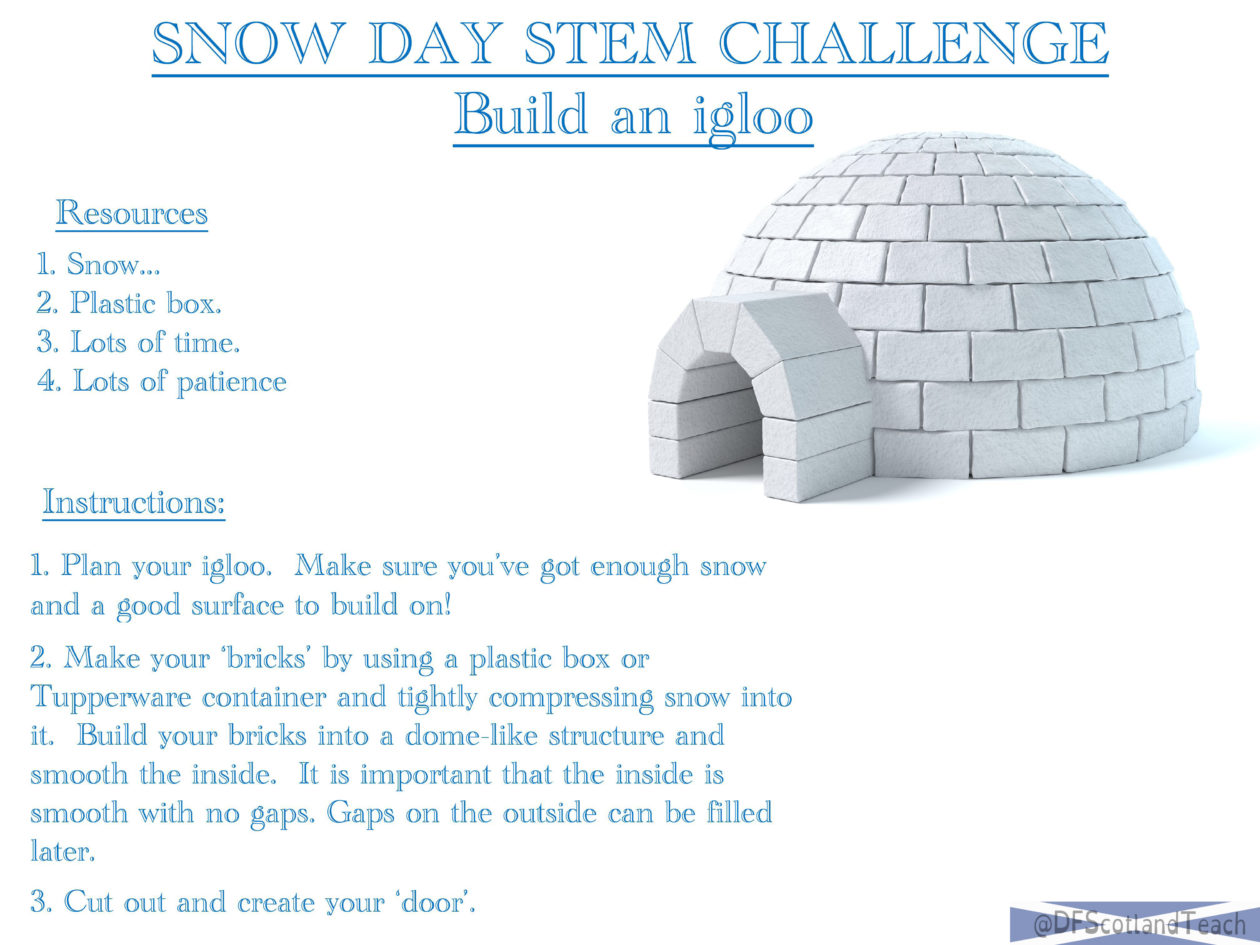
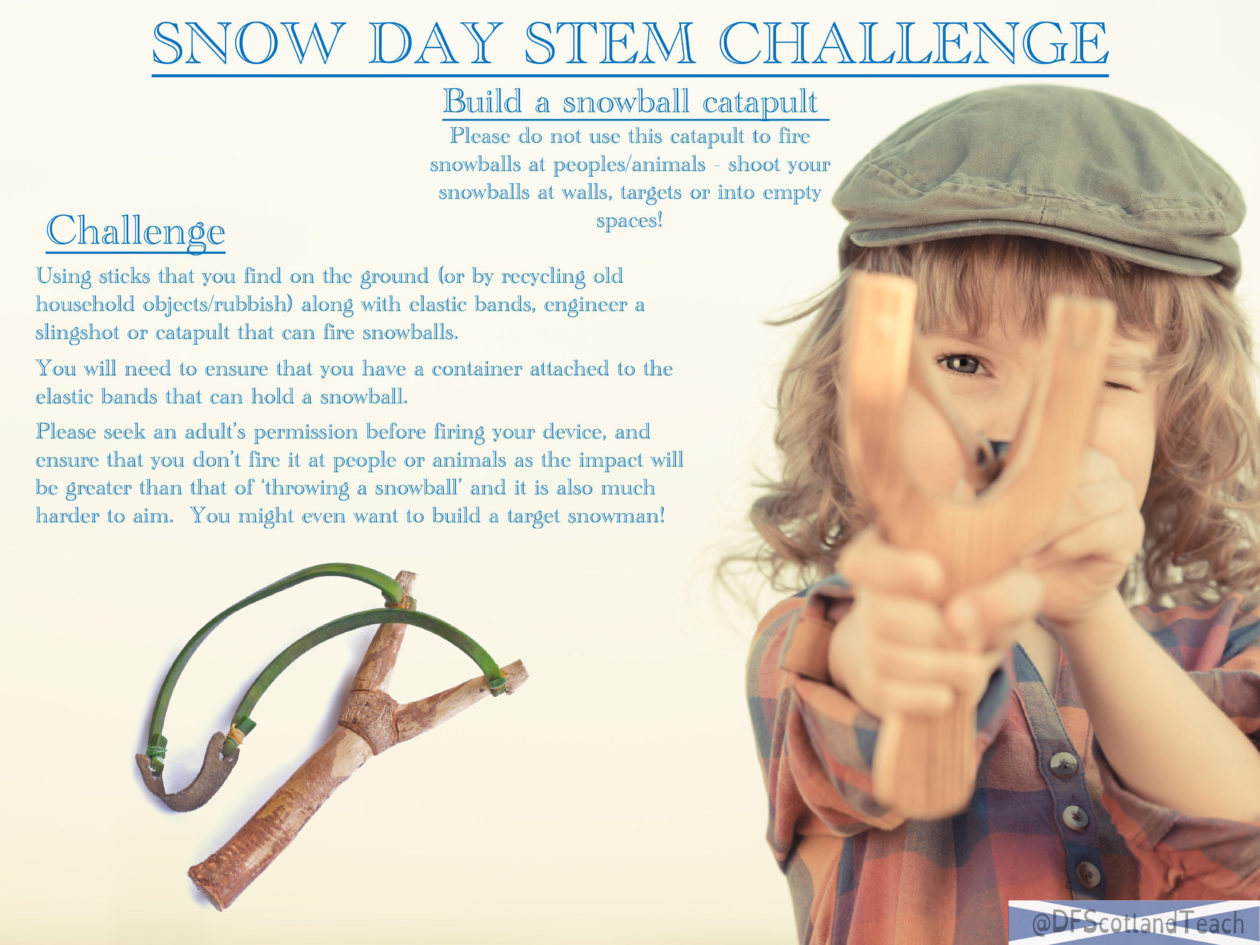
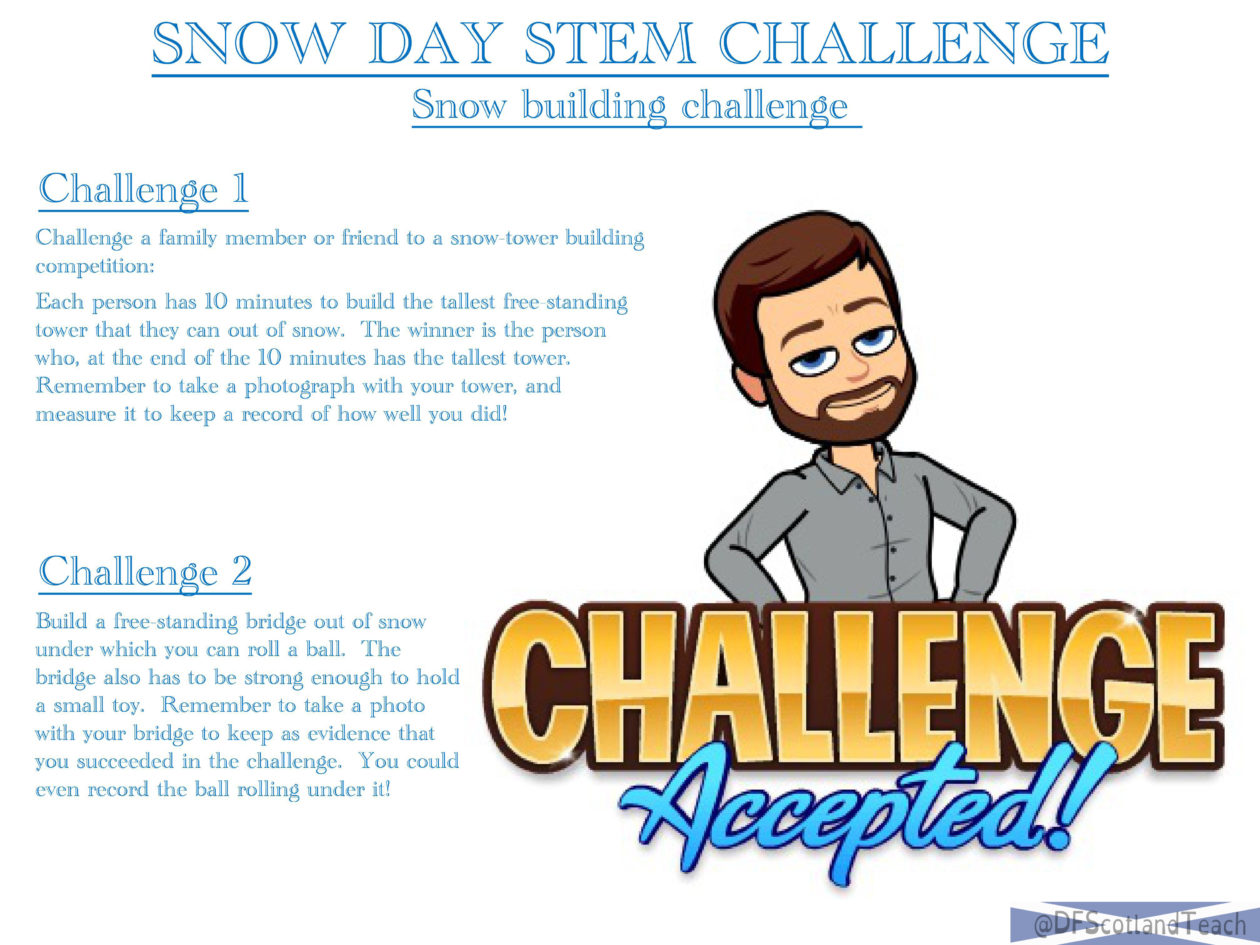
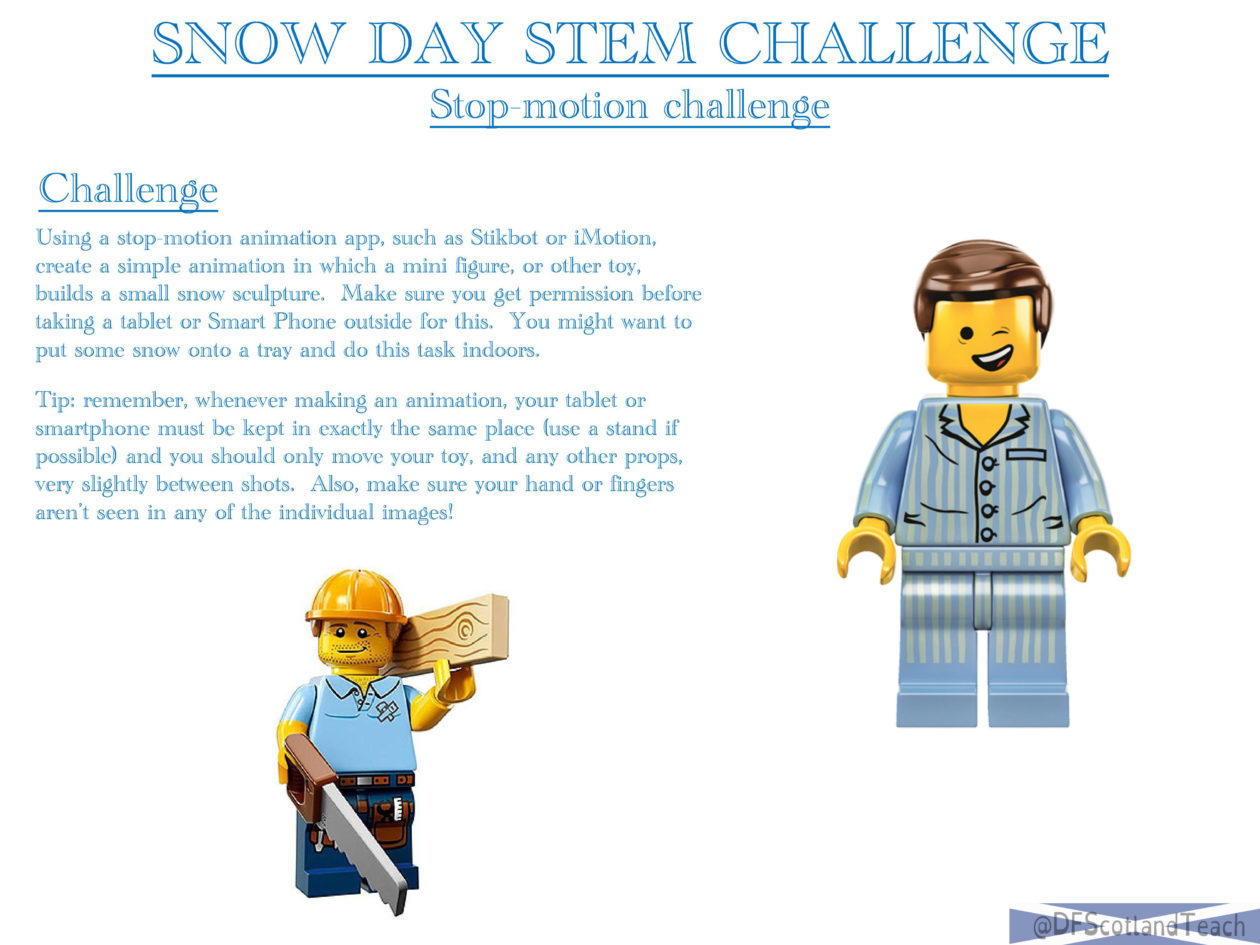
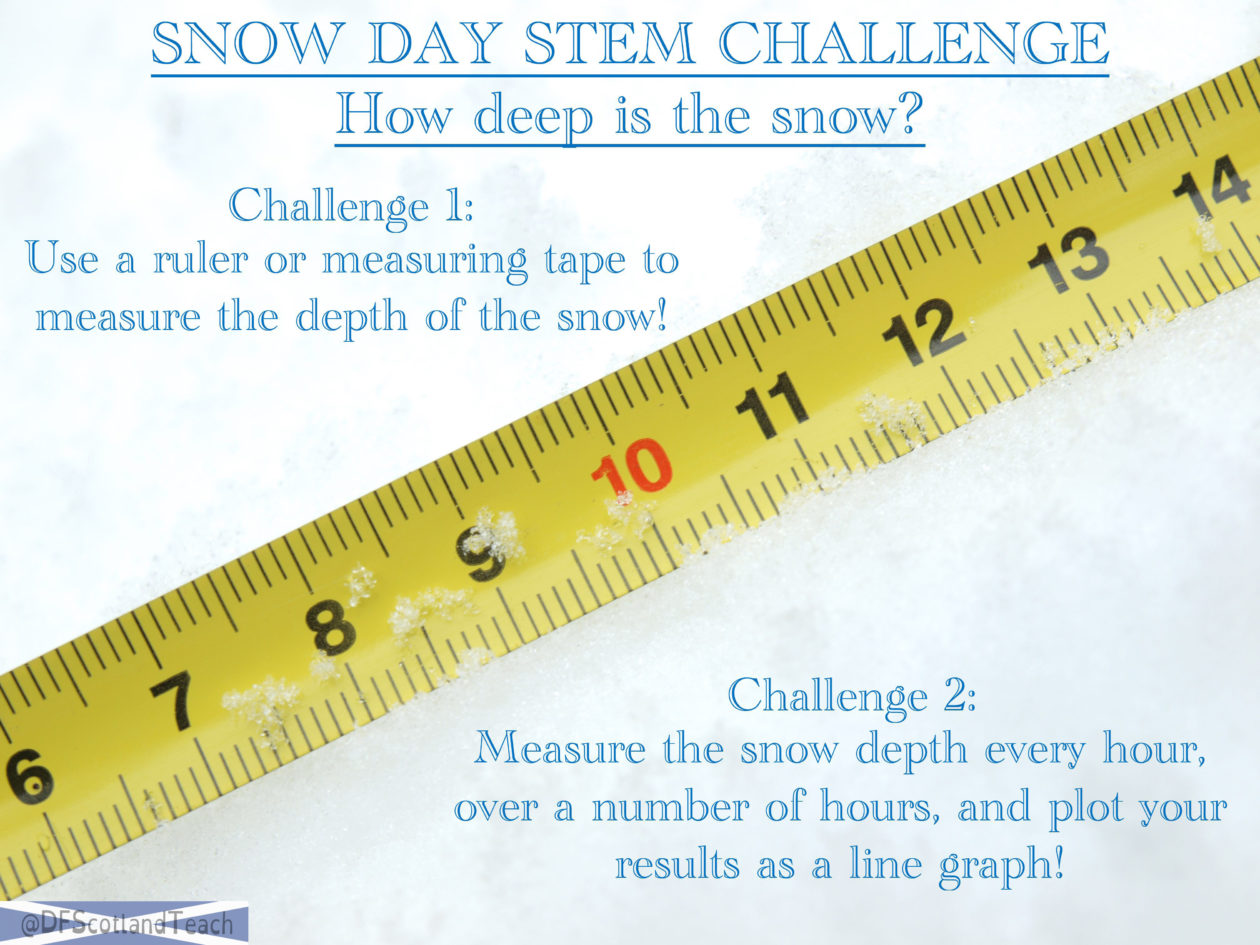
It’s snowing!  Love it or hate it, snow is an amazing tool for developing STEM skills, unlocking imagination and practising creativity.

My 13 Snow Day STEM Challenge cards are available as a single PDF download at TPT, or for free as JPG image files below.  Check out the very short video of these cards as well:


SNOW DAY STEM CARDS


A Simple, High Impact Learning Activity⤴

from @ DF Scotland Teach

I know I am not alone in finding lockdown challenging.  We are teachers, and as such having quiet schools with only a handful of children just does not feel normal.  We, along with our children, are learning to adapt every day and the stark difference in the quality of learning many children are experiencing in this lockdown is incredible – a true testament to how well colleagues have reflected and adapted to rise up to the challenge.

That being said, it is hard and online learning is still never going to be any substitute for face to face teaching.

Reflections on this, and how best to meet the needs of learners in my target groups; providing them with fun and engaging activities that they can engage in at home has led me back to an activity that I used in my second year of teaching, when I reached out to GDSS for advice on how to support one particular learner; I have linked to their website below as it is a superb resource. They showed me how to use the game ‘Snakes and Ladders’ to support literacy development.  Now, there are many ways to do this, and after hunting for the resource that was shared with me I could not find it so I have put together a resource (below) which works really well for me with learners who require support with reading and spelling.

Link to PDF resource:  Snakes and ladders game

For this game you need word cards, but children can easily make these at home by copying down their spelling words/common words.  There are fantastic word card packs out there, which I will also link to below.  Anything can be used as a counter, and this can easily be played as a family game.

I have used it with a variety of learners from P3-7, and have found that they really enjoy it, and, as children can use their own word cards it is automatically differentiated as children can play at their own pace.  Indeed, when I have children who are using more advanced words, they will often use the rules for game one while children with cvc words would use the game 1 rules.

However you play it, do, as it is truly a fantastic game.  Again, I take no credit for the idea but just put together a quick resource to save you making one!

Have a good week,

Donald

Word cards website that I love to use: ESLFlashcards.com
GDSS website: gdss.glasgow.sch.uk


OneNote; Endless Possibilities⤴

from @ Team MIEE Scotland

In the Wakelet collection below, I share the benefits of embedding media directly into OneNote to simplify workflow and bring content to life.

Click on the image below to access the collection 👇


Buncee image with the image of a notebook with logos for OneNote, Flipgrid, Wakelet. Office, Buncee and Giphy


About Me

I am an Additional Support Needs teacher at Lanark Grammar School. I am also an MIE Fellow for Scotland, MIE Expert, Master Trainer and MCE (Microsoft Certified Educator). I am also a Flipgrid Student Voice Ambassador and Grid Guide and a Wakelet Ambassador and Community Leader.

I was awarded MIE Expert of the Year for Scotland 2019-20 and I also won a global competition ran by Flipgrid to attend E2 Education Exchange in Sydney, Australia.

You can find me on Twitter: @cgerrard02

Photo of Chris Gerrard


wwwd – John's World Wide Wall Display 2020-10-12 11:50:36⤴

from @ wwwd – John's World Wide Wall Display

Reposted a tweet (Twitter)
DOING DATA DIFFERENTLY We're launching the virtual exhibition from this research project between 16:30 & 17:30 on Wed 11th Nov. online. Of interest to colleagues (esp. sr. leaders) interested in literacy in primary schools Registration (free) http://bit.ly/DDDExhibitionLaunch… - join us!

I’ve registered. Really interesting way of gathering information about primary teaching.


Realising the Ambition During Covid-19 at Cairngorm ELC⤴

from

In the second in our series of practice sharing blogs during Covid-19 restrictions, Beth Rodgers from Cairngorm ELC provides us with fascinating insights into how she and her team prepared for the return of children:

Uncertain and unprecedented times call for creative measures and allows us the opportunity to be brave and take a leap of faith out of our comfort zone.

As Charles Darwin once said:

‘It is not the strongest of species that survive, nor the most intelligent. It is the one that is most adaptable to change.’

This has been the thought process for our team throughout the closure period. Key questions we asked ourselves were:

1. How can we adapt to the current situation and enhance the service we offer, whilst ensuring the safety of all of children by following national guidance?

2. What training opportunities can we access, albeit it in a different format than before to ensure that professional learning remains at the heart of our practice?

3. What spaces could be developed to enhance and maximise the experiences for our children?

4. How can we ensure that the wellbeing of our children, through nurturing and positive interactions remains at the heart of all we do?

5. How do we ensure that we take parents with us on our journey of change?

Think Spaces

Outdoors, outdoors and more outdoors. With the correct clothing and resources no weather is ‘bad’ weather. Embrace the elements… puddle jumping on wet days, dancing in the wind on windy days and staff embracing their inner child!

We were lucky enough to access some great outdoor training for staff prior to re-opening, which was supported by Education Scotland’s ‘Enhancing Professional Learning in STEM’ and this allowed staff to build confidence and prepare for a predominantly outdoor service.

We created a whole new outdoor space, utilising as many natural resources as possible, whilst really thinking about open ended materials which allow for lots of opportunities to be creative. Big piles of sticks, log, cones etc. have seen our children build dens, create their own role play areas, obstacle courses and many, many more. Spaces to relax and rest can be achieved outdoors – our Bell tent has been a revelation!

We have embraced our local environment, and walks and local exploration feature heavily in the daily life of Cairngorm Early Learning.

Think Interactions

Scary times and change are hard enough as an adult, but put yourself in the shoes of your children. Don’t underestimate the impact of cuddles and reassurance and that sense of belonging and safety that comes hand in hand. Think carefully about your groupings. Who do the children know well already? Are your key workers systems in place? Is there a safe space for children to feel relaxed and comforted? (Yes, even a tent outdoors can achieve this!)

Settling back in sessions have been a must for us and allowing children (and parents and carers) the time to take these at their own pace has been of paramount importance. Whether this means a child has one session or ten, you must look at each child individually and work from there.

We have updated our Care Plans to recognise the huge impact that COVID-19 has had on their lives and are utilising the Leuven Scale to track wellbeing over the weeks and months ahead, ensuring that we are responding to individual needs.

Think creatively about your communication with parents/carers. Are they still getting the information they need on a daily basis to make them feel secure in their child’s care? Never forget that this is a scary time for parents too and this needs the same level of thought and planning. We decided to buy in online software for parental communication and journals, ensuring that despite the reduction in face to face interactions with parents and a move away from a literal ‘open door’ policy, parents feel no less informed or part of their children’s experiences.

Using child friendly prompts about hygiene and the social distancing measures have also ensured that none of our messages have been threatening or scary. Being child friendly has been key.

Think Experiences

Little and often has been our mantra when it comes to resourcing and changing them regularly to support cleaning and hygiene practices.

Click to view slideshow.

A sand tray/tuff spot with a thin layer of sand and interesting mark making materials or small world toys can be just as exciting a tonne of the stuff. This has allowed us it to change it for each cohort with as little waste as possible. Water taken from a water butt with a tap for play, as and when required, and then disposed of has also helped ensure that hygiene measures are followed.

Ensure you have a comprehensive rota system for cleaning. We have found that a basin of sterilised water close by throughout the day allows us to pop resources into it immediately again use ready for a thorough clean at the end of the session. Clear guidance for staff regarding this has also been crucial.

Most important of all, be kind to each other.

Most important of all, be kind to each other. This experience has affected everyone; staff, children and families alike. Be patient with each other, support each other and remind yourselves that you have one of the most important and privileged roles out there. Be that source of comfort and love to your children and the rest will fall into place from there.

Kingsmeadows Nursery and Out of School Care – Implementing Realising the Ambition During Covid-19⤴

from

Over the next few weeks  settings across Scotland will be sharing their stories of providing quality early learning and childcare,  while at the same time implementing public health measures to help protect children, families and staff during the Covid-19 pandemic.

Rebecca Jewitt from Kingsmeadows Nursery and Out of School Care is the first to share their story:

Kingsmeadows Nursery and Out of School Care has remained open as a critical childcare hub within our local area. We have been open to key worker families and vulnerable children only throughout the COVID-19 lockdown and the easing of lockdown restrictions.

A group of our staff team have worked throughout this period and a group have been at home on furlough. Staff are coming back from furlough now and are adapting well to our new routines.

Our staff have been using some of their extra time during lockdown to complete training. Our intention from the beginning has been to use this time to update and develop our knowledge and skills to further improve the outcomes and opportunities we provide for our children and their families throughout our setting.

Our staff have been great as always! They have been thinking in an even more creative manner than usual and are finding positives in working shorter days and having more time at home. Our numbers of children attending are definitely lower than usual, ranging between 18 and 30 in total. This seems to be the new busy just now, and we are one of the busier hubs in our area.

We have adapted and adjusted many daily routines since lockdown started. For example parents/carers now drop off and collect their children from the main entrance. This has worked surprisingly well and our children usually come in with ease. Our children are split into smaller groups and this is working well.

We are extremely fortunate to have an extensive outdoor environment that is used each and every day. Throughout this period we have intentionally increased the amount of time we spend outdoors even further. This is an important improvement for us and something that will be continued after Covid-19 restrictions have ended.

At Kingsmeadows we have been carrying out a lot of STEM activities, including making potions, den building, using tools, scavenger hunts, and making ice-cream. Our children have also been on lots of woodland walks. The woodland is on our door step which couldn’t be any better!

We have continued to offer opportunities for messy and sensory play by providing each child with their own tools and equipment. Depending on the resources used, certain things are disposed of once the activity is finished. Playdough and clay seemed to be a great hit with no sharing required! All tools and equipment are washed after use.

We’ve been able to use our bikes that we gained through the ‘Play on Pedals’ scheme. Children can use helmets provided by the setting which are cleaned after use, or are welcome to bring in their own if they prefer to do so.

We have limited a lot of resources within each of our rooms but alternate them regularly. All toys and equipment are cleaned at the end of each day.

At Kingsmeadows we have an online system to record observations which we update and share with parents and carers daily. We have also set up a welcome display board which is placed at the main entrance. We pop new photos on at the start of each week to give parents and carers further insight into our daily practice. We have had some lovely feedback from parents and carers and they all really appreciate what we are doing.

‘Realising the Ambition: Being Me’ has supported us as we have made changes to the way we think about and provide high quality opportunities and experiences for our children. Sections 3.5 ‘When things in my life are not straightforward – adversity and trauma’ and 5.4 ‘Leading through learning together with families’ have helped us to think and respond to the impact of Covid-19 on our families. The sections on considering the ‘learning environment’ and ‘facilitating playful learning environments’ have also been really useful in helping us focus on quality as we have adapted our setting and the way we support children’s learning through play.

It really has been a case of looking for the positives. We look for the rainbows – the one above was a sunny Friday afternoon task! – and keep on smiling 😊.


Team MIEE Scotland 2020⤴

from @ Team MIEE Scotland

The amazing MIEExperts up here in Scotland are keen to help teachers across the country whenever they can. As well as sharing on Twitter, below you will find a list of those that you can reach out to in your Local Authority and beyond for help and support with using Microsoft Technologies in your class and school.

A badge with the Microsoft logo, a tree with coloured leaves and the words Microsoft Innovative Educator Expert on it.

This could be help with running a staff training session, ideas for in the classroom or any general tech questions you may have.

The MIEExperts have added their twitter handle to connect that way or you can complete the contact form at the bottom of this page and someone will be in touch.

Members of Team MIEEScotland can be found in schools, colleges and councils all across the country.


Name Local Authority Level Twitter Handle 
Andrew Bailey Angus Secondary  andrewkbailey13
Mandy Davidson East Dunbartonshire Secondary AllM14891126
Jonathan Hull East Renfrewshire Local Authority @_jonathanhull
Duncan Macdonald Edinburgh Independent Sector
Jamie Steer Edinburgh Independent Sector @SteeringEdTech Image
Claire Pottie Edinburgh Independent Sector
Claire Cooper Edinburgh Secondary Ccooper1978
Lynsey McNamee Fife Secondary MissMcDesignTech
Simon Luxford-Moore Edinburgh Independent Sector MrLux4DMoore
Mike Alexander Edinburgh Independent Sector
Heather Aird Fife Secondary Miss_Aird
Malcolm Wilson Falkirk Digital Schools Award claganach
Tracy Mutter Falkirk Secondary FHSComputing
Emma Hedges Falkirk Primary MissHedgesVPS
Jacqueline Campbell West Lothian Secondary
Sarah Clark Fife Secondary sfm36
Dawn Jones Fife Local Authority DawnJonesICT
Gemma Sanderson Fife Local Authority gems_sand
Ian Gibson Fife Secondary gibsoni
Laura Peden Fife Primary l80pdn
Joe Weir North Ayrshire Secondary
Sam Menzies North Ayrshire Secondary @mrmenziesmusic Image
Rosslyn Lee North Ayrshire Local Authority rosjlee
Julie Sanderson Perth & Kinross Secondary breadalbanebus
Meg Brough Perth & Kinross Local Authority @digi_meg Image
Shelley Thomson Scottish Borders Secondary MrsTEHS
Amanda Pickard South Ayrshire Primary AJOBPickard
Lynn Robertson South Ayrshire Local Authority SACTechDigital
Kathryn Alcroft South Ayrshire Primary
Lisa Afrin South Ayrshire Primary Mrs_Afrin
Hugh Wallace East Ayrshire Secondary MrWM4ths
Sarah Wyllie South Ayrshire Secondary MissDoubleYou1
Chris Gerrard South Lanarkshire XMA cgerrard02
Kirstin Barr West Lothian Secondary kirstin_barr
Salome Guillon  West Lothian Secondary
Kirsteen Steven West Lothian CALL Scotland kirsteensteven
Bill Crawford Forth Valley Further Education beadysea
Catriona Oates University of the West of Scotland Higher Education DrCatriona_O
Tony Gurney University of the West of Scotland Higher Education tonygurney


A Day in Lockdown with Mrs Pickard and P1b⤴

from @ Team MIEE Scotland

I’m a primary school teacher, passionate about digital learning but by no means an expert.
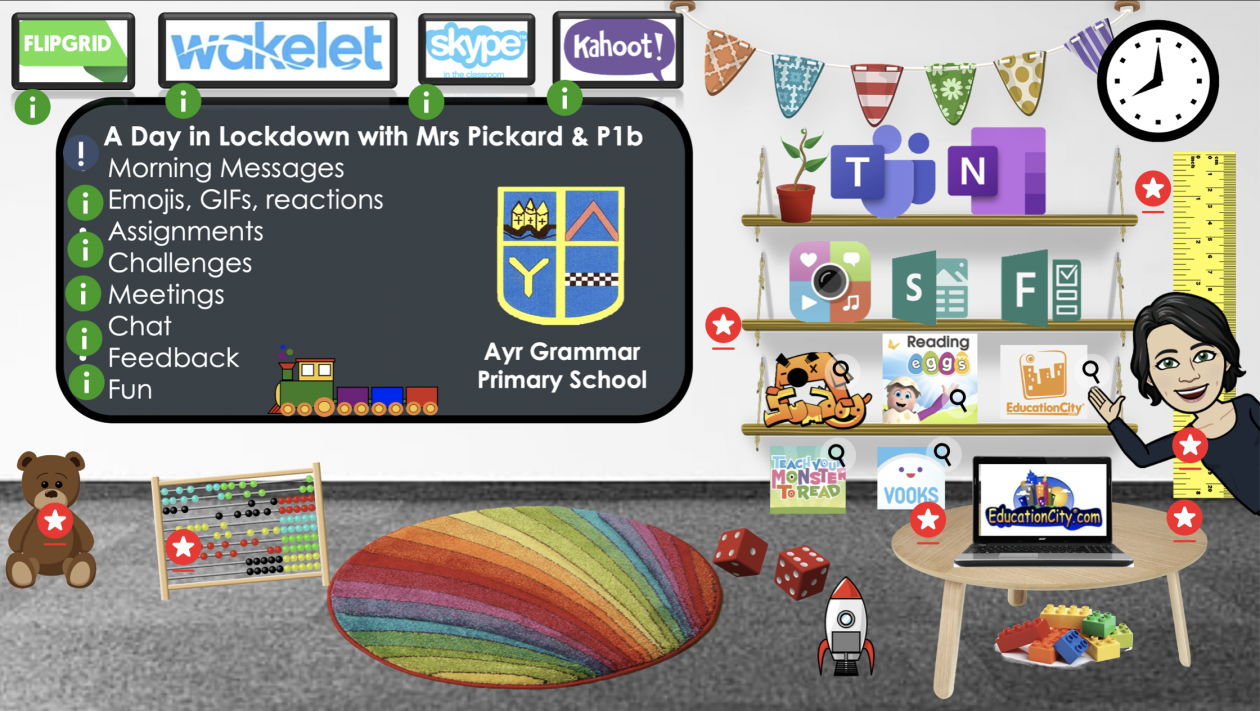
This is where I am in our class learning journey with Microsoft Teams after 8/9 weeks of lockdown.

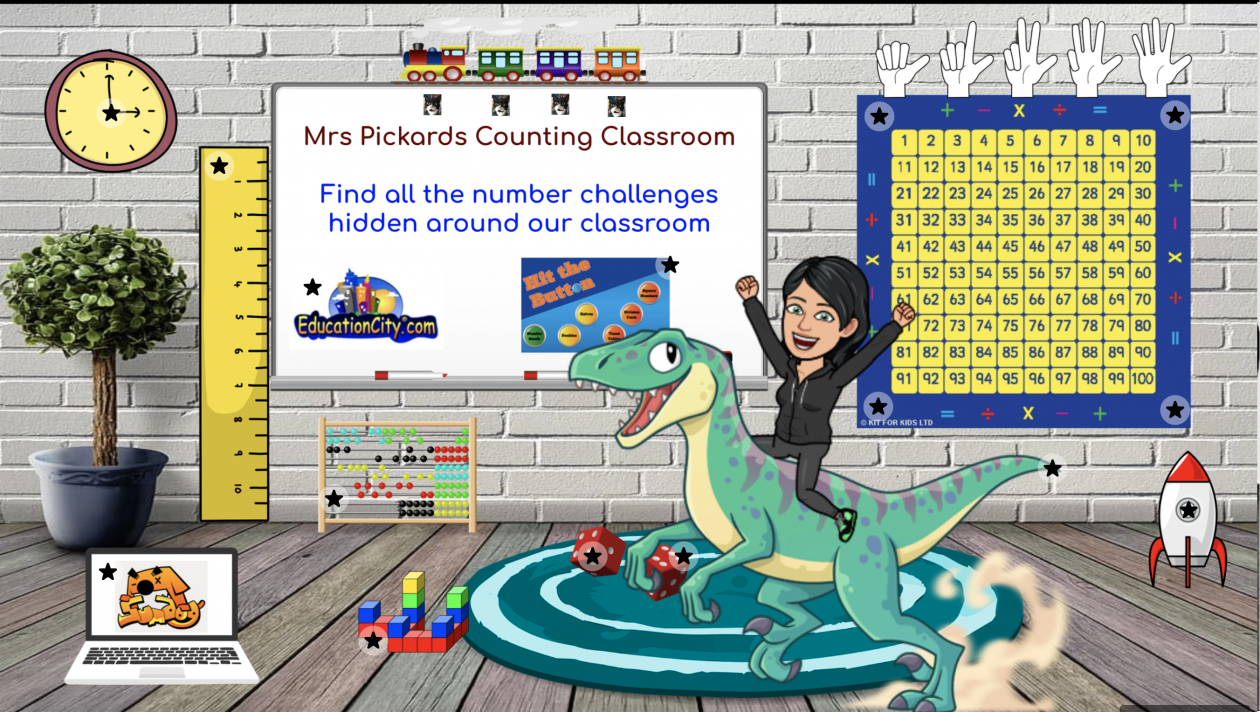
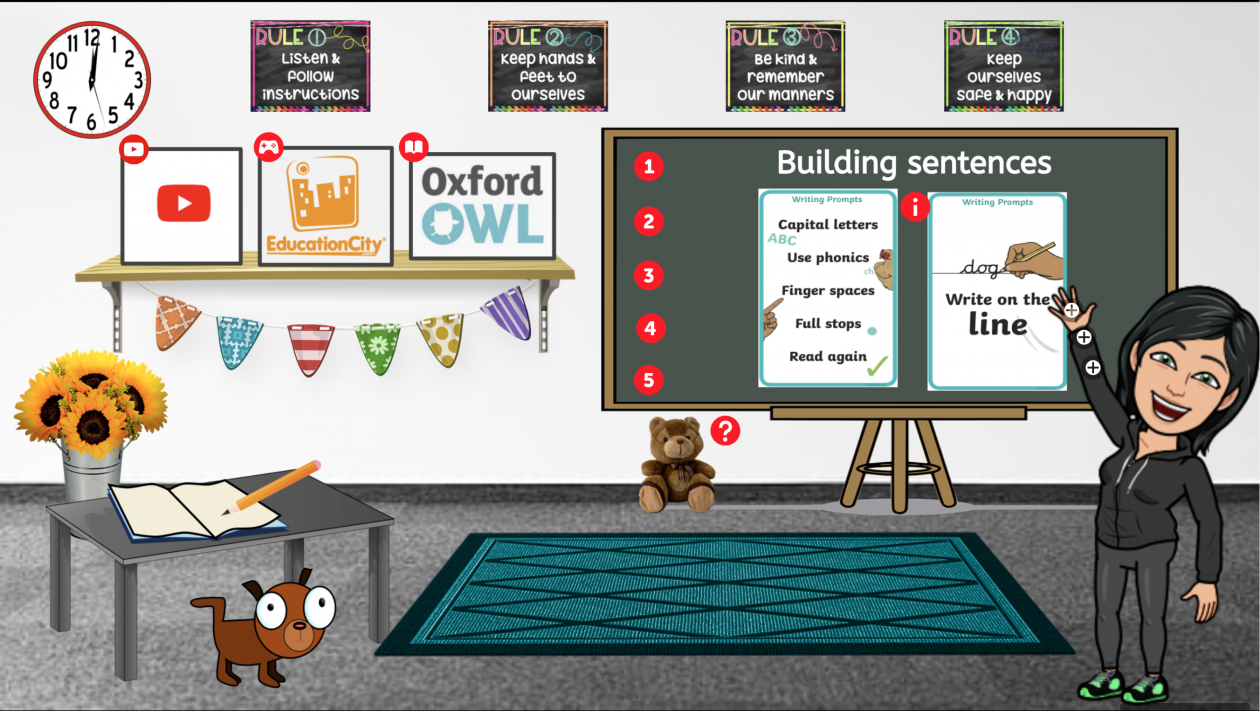
I am now using Thinglink as an interactive classroom, below is an image of my example to show my interactive classroom, the blog does not support embedding so you will need to click on the image or link to be able to click on the hotspots in the Thinglink.

I even have my pets helping me now:

Travis’ Classroom building sentences

Hobbes’ Counting Classroom

and Wilson too

 I used this app to help

Travis, Hobbes & Wilson

talk.

I didn’t start here, it has been a journey.

So I thought I’d tell you a little bit about the journey, where I started, what I did and why and where I am now.

Yes, I have been teaching Digital Literacy skills to every class I’ve ever taught from the first week, including this years primary 1b (brilliant).  The trickiest thing I found for the wee ones is keyboard skills, learning phonics is tricky but ‘find the ‘a’ on the keyboard’ was just another way of identifying and learning the sound, playing with keyboards, typewriters, another choice.

Before lockdown all of the p1b boys and girls could login to a desktop, click on a shortcut and login to a website with little or no help using their own unique login.

The week of lockdown I showed them Glow and Teams, they logged in and logged out.

Microsoft Teams is where I communicate with my class

In the beginning

A typical day started with a post from me saying good morning and

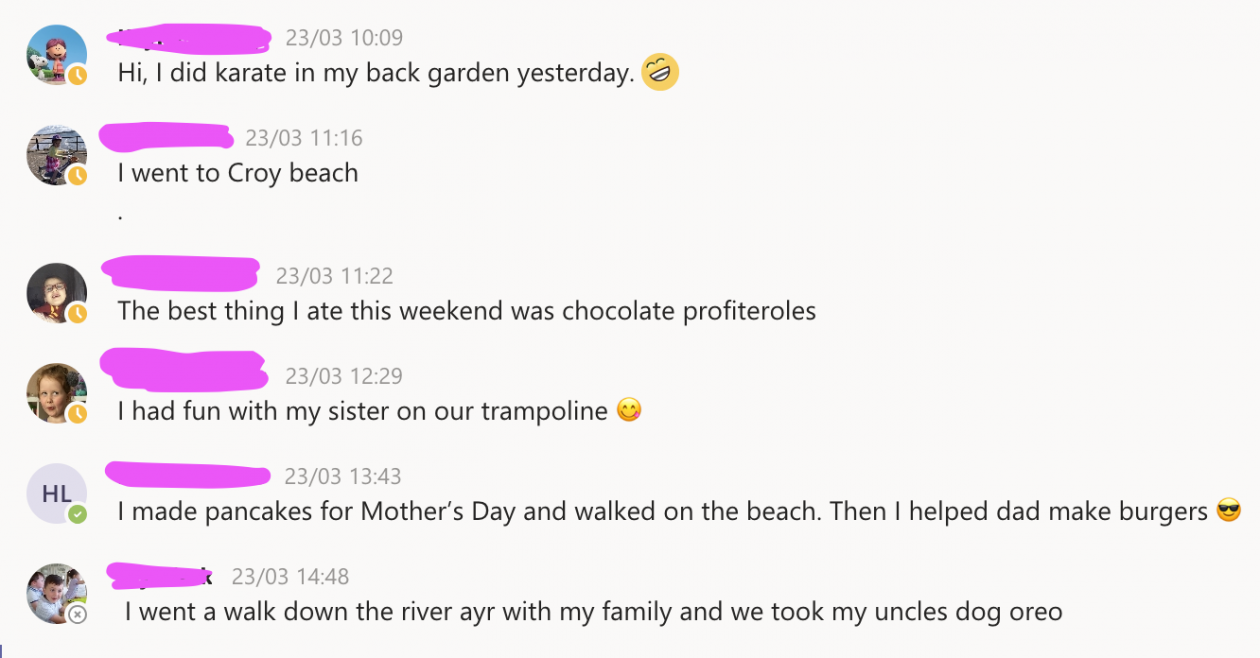
  • asking the class to reply to the message answering a question, e.g. best part of your weekend.
  • Suggesting activities/tasks, e.g. Sumdog, Reading Eggs.


After 8 / 9 weeks in we had progressed to:

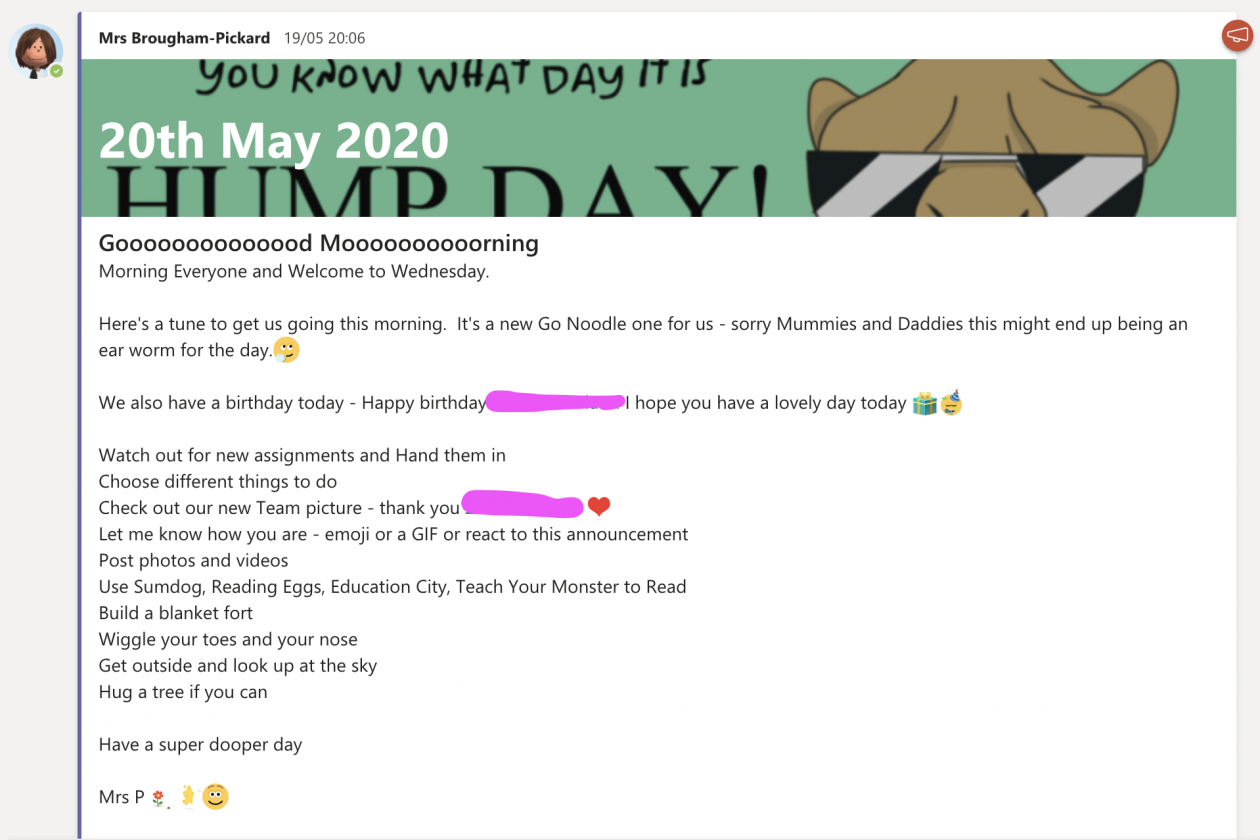
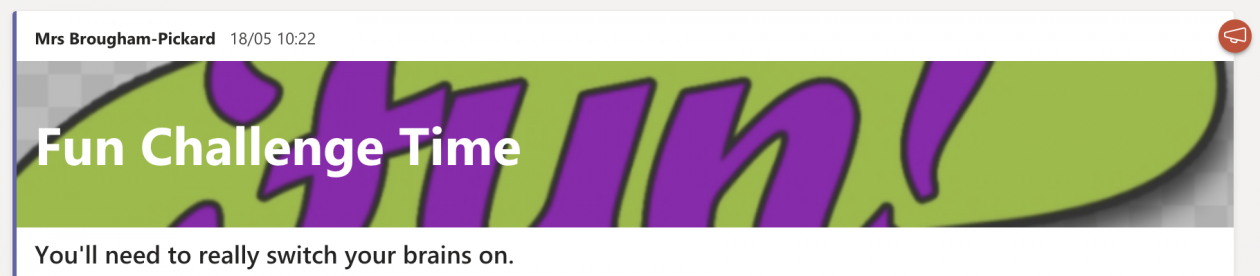
A typical day starts with an Announcement with a pretty image to catch the eye and mark a new day.  The morning message can include lots of different things and reflects the morning meeting message we did in class at school:

  • Tasks
  • Challenges
  • Activity ideas
  • Pictures
  • What’s in store for the day
  • An MS Forms poll about something, e.g. vote on a story, when to meet
  • Links to songs, videos, Go Noodle
  • Fun Facts

The responses in the beginning:

  • Short phrase or sentence
  • an emoji

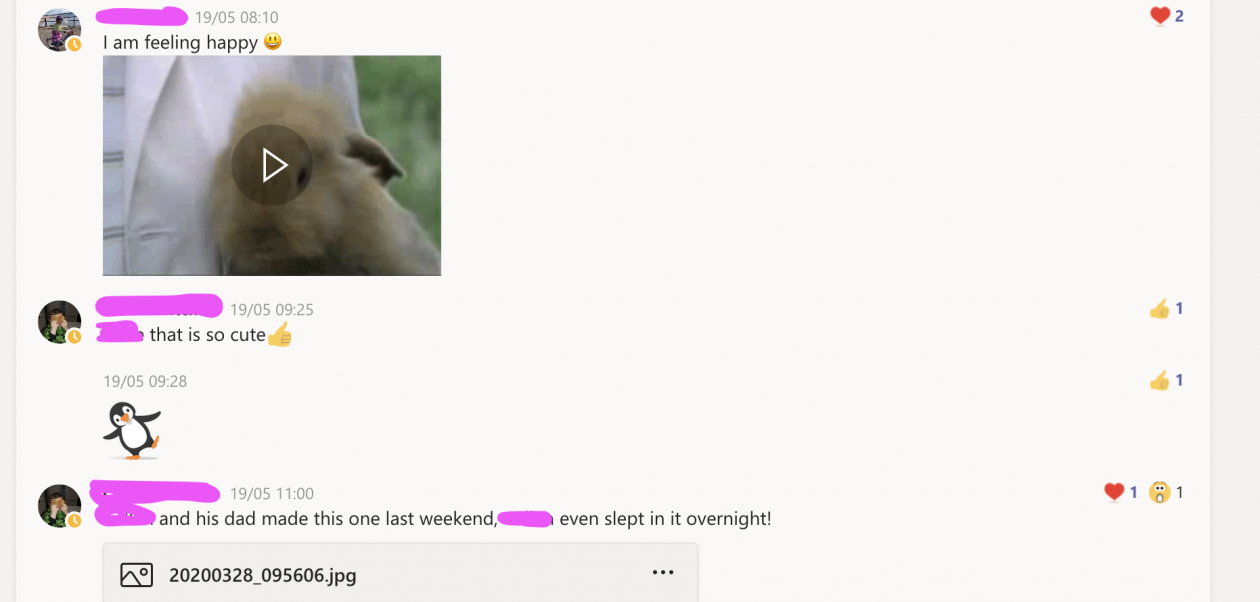
After 8 / 9 weeks p1b answer and share with:


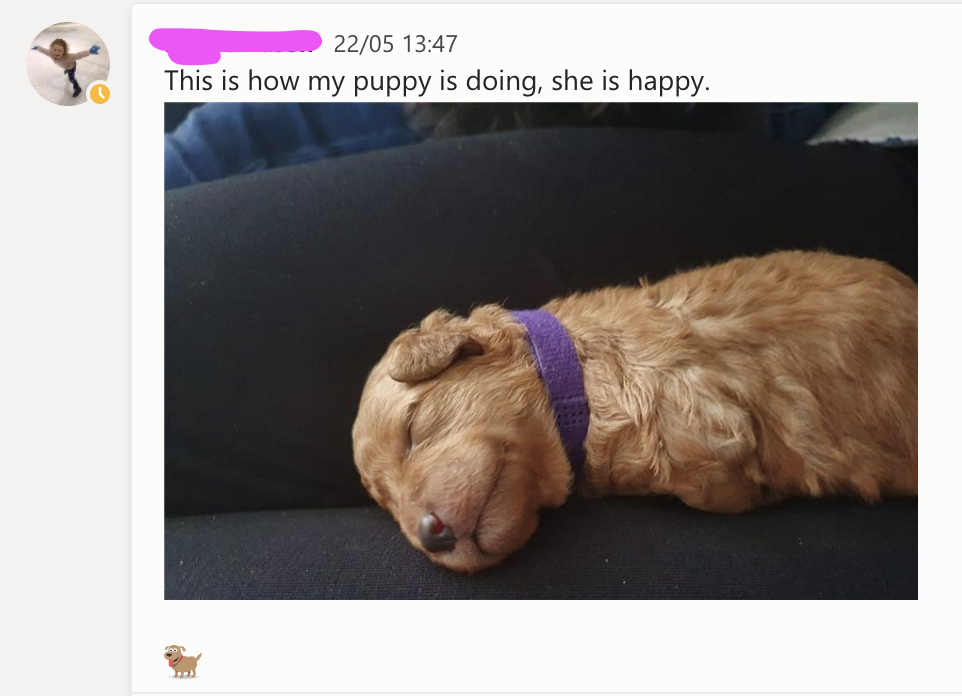
  • Photos
  • Videos
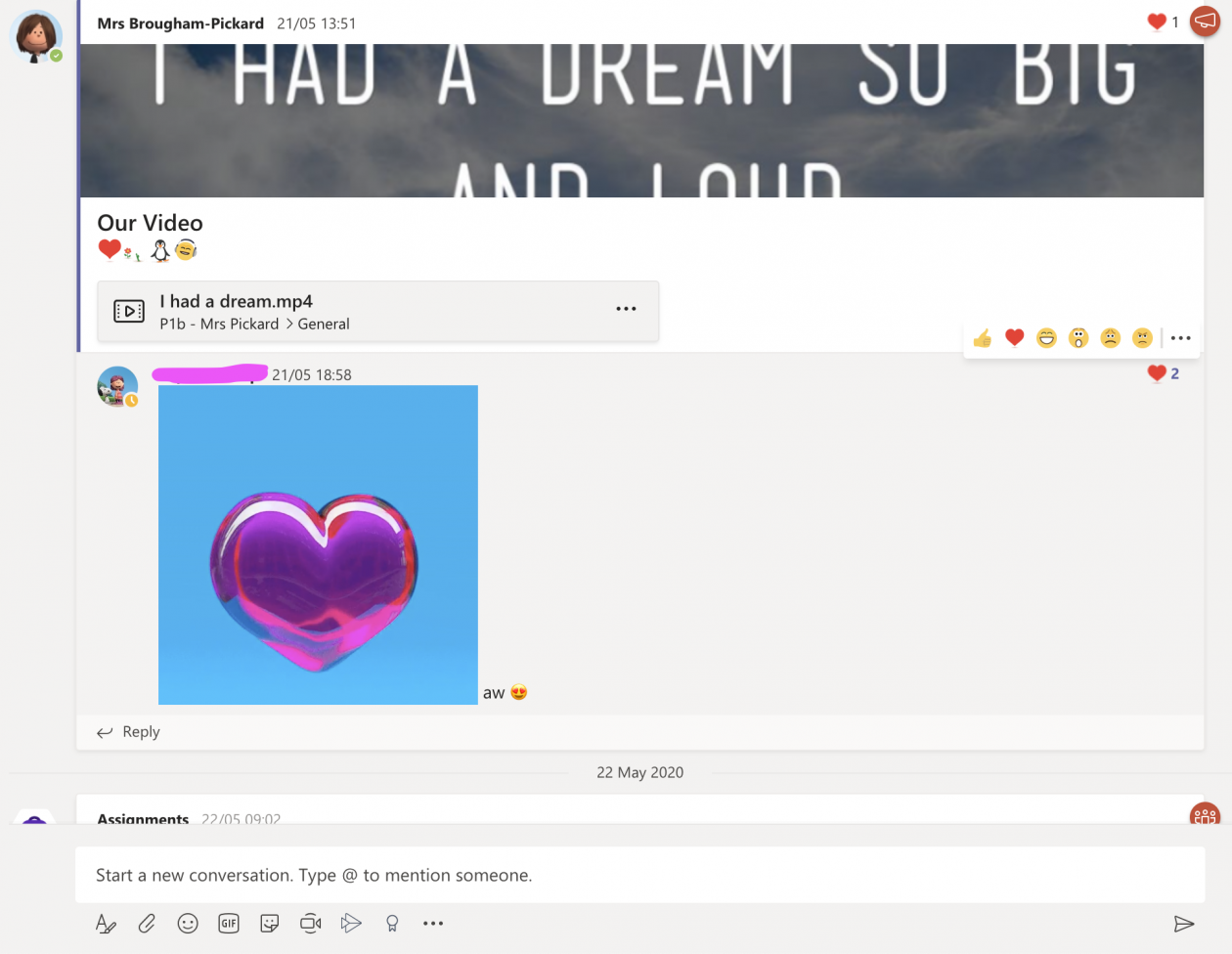
  • Emojis
  • GIFs
  • Reactions to the post

Announcements is what I use to post in Teams.

In the beginning

  • I didn’t use them at all
  • I just put up a general conversation post

After 8 / 9 weeks I use them for:

  • The morning message
  • Challenges
  • Extra fun surprise tasks/activities
  • Extra information

What is so good about announcements?

  • My class love them,
  • I can personalise the image to make them eye catching and fit the post/announcement
  • I actively encourage emojis, GIFs, reactions as responses
  • I would argue that they encourage engagement

Assignments – this is where I set up and schedule teaching and learning

In the beginning

Initially I didn’t use assignments at all, I just put up a general post

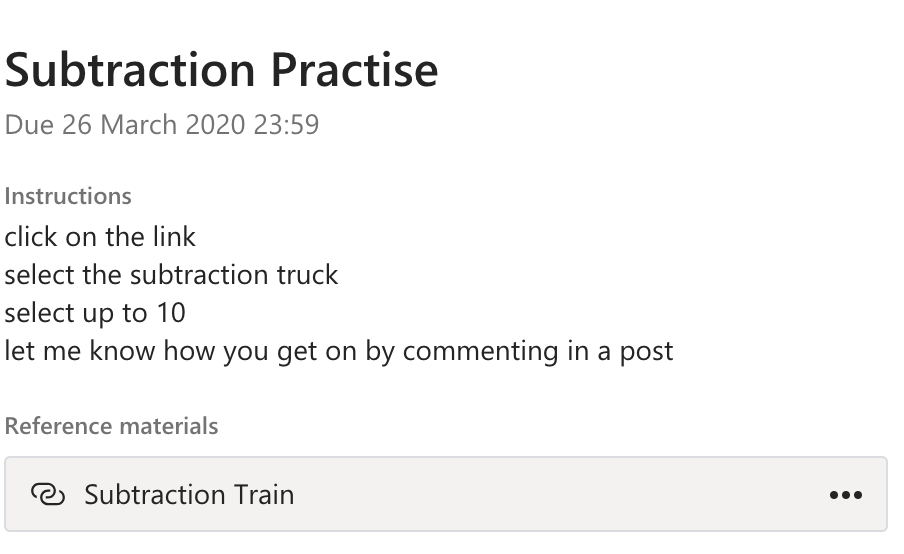
Then I started to set one or two very simple assignments each day which included:


  • A Title
  • One or 2 instructions

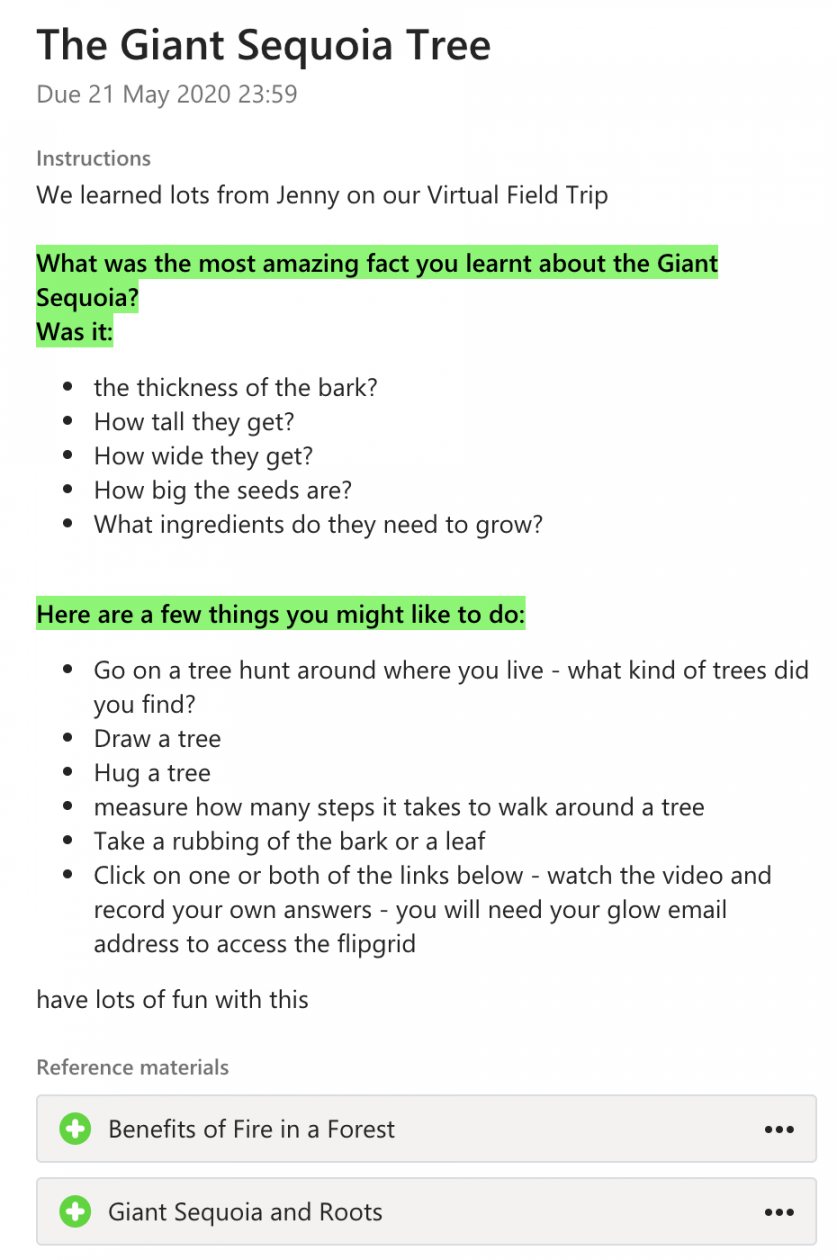
After 8 / 9 weeks I use assignments all the time to set for:

  • A title
  • Short instructions
  • Resources attached
  • Scheduled


What kind of resources do I use to create and build lessons?

In the beginning

  • Sway – gathering resources, adding audio, video, pictures, links, e.g. Word Building – oa
  • Forms – for quizzes and assessments, check ins, polls e.g. Daily Check In

  • Education City – create work for pupils focussing on specific skills  

Sumdog  – set maths challenges focussing on specific skills.

After 8 / 9 weeks I use:

  • Sway
  • Forms
  • Education City
  • Sumdog
  • Reading Eggs

PLUS

Flipgrid – to create a topic, to host videos, pupils respond to with their own videos


Wakelet – pulls together different resources from different places.


Kahoot – great for a quick assessment or for fun


ThingLink – super visual, interactive, easy to use


What kind of assignments?

Why do I use assignments?

  • I can create a lesson and schedule it for a date in the future 🗓
  • The assignment appears as a post in the general chat and provides a link for the pupils to click on – easy peasy
  • I can assign to the whole class, a group or an individual – great for differentiation
  • The pupils can attach work – photos, etc to their assignment and hand it in
  • The pupils work is saved in Sharepoint – in individual folders by assignment – all done for me – no extra work, no clogging up the files section in Teams – super organise, easy peasy, woohoo! 🙌
  • Feedback is private between me and individual pupil 👍
  • The Grades tab tracks assignments completed so I can see what’s happening 😊


Happy to help, share and collaborate

Amanda Pickard

@AJOBPickard

Microsoft Teams In A P6 Classroom.⤴

from @ MIE Scotland

I have learned a lot of digital skills since becoming a MIEExpert in 2016, however I had not had the opportunity to explore Microsoft Teams fully with a class. When we found out that pupils would be learning from home I refreshed my memory of Teams by using the courses on the Microsoft Educator Community. I then took some time to explore using Teams and thought about how I could make it suit the needs of my pupils in a way that was organised and manageable for me.

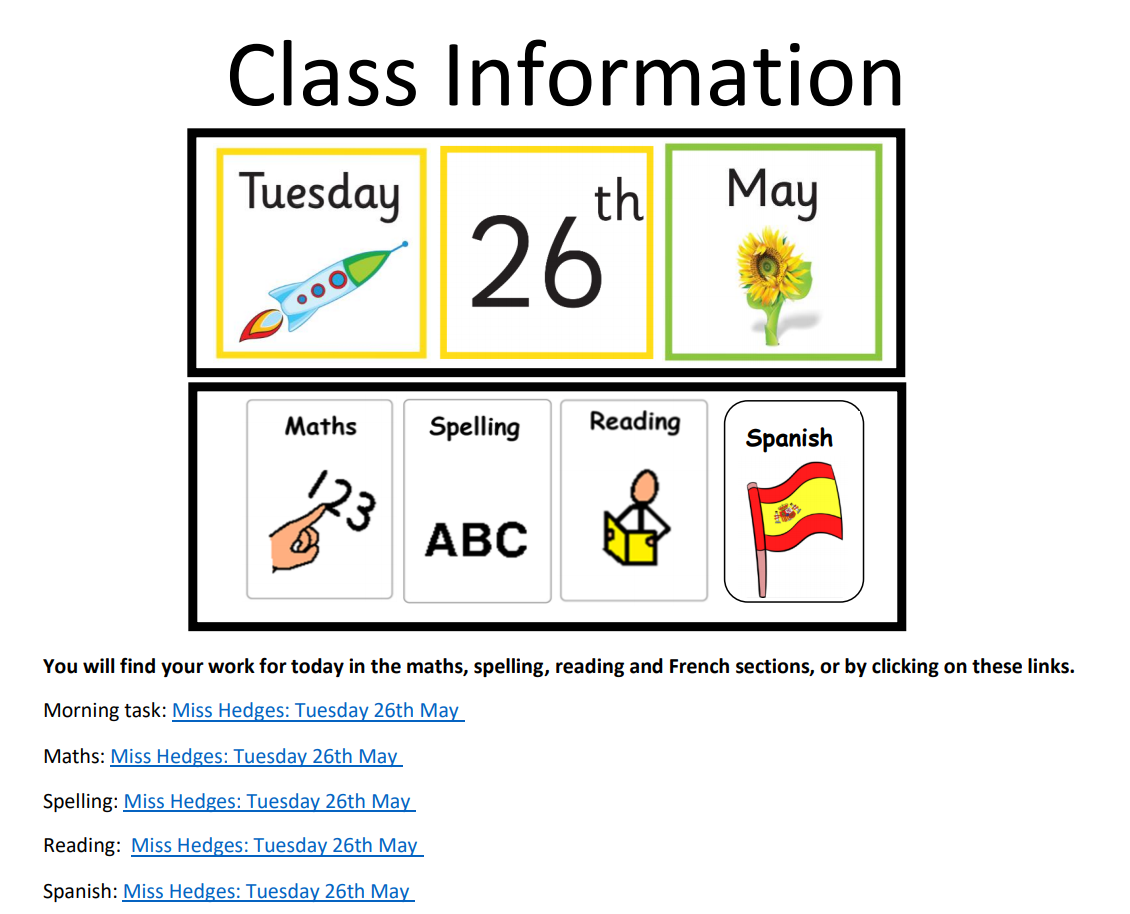
Class Information Post
Example Of A Class Information Post

Daily Information

I have taken an asynchronous approach to teaching and learning since many families have limited access to devices. Every day I post a class information document in the General channel; this includes the date and a visual timetable, using the same visuals that we have in the classroom. In the class information document I post links to the relevant curricular area channels that the children need to access for their learning for the day.

Use of Channels

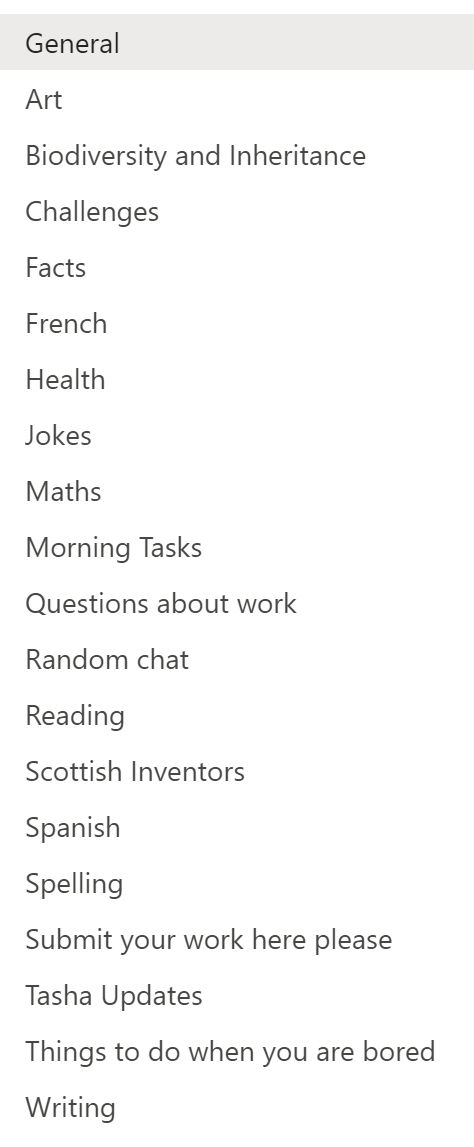
Class Channels

I have found that having a separate channel for each curricular area has helped to keep classwork well organised, benefiting both myself and the pupils. When I post daily work I make an announcement in the relevant curricular area channel with the date and attach the relevant documents. This means that pupils can easily look back in the channel if they have missed any work on a certain day.

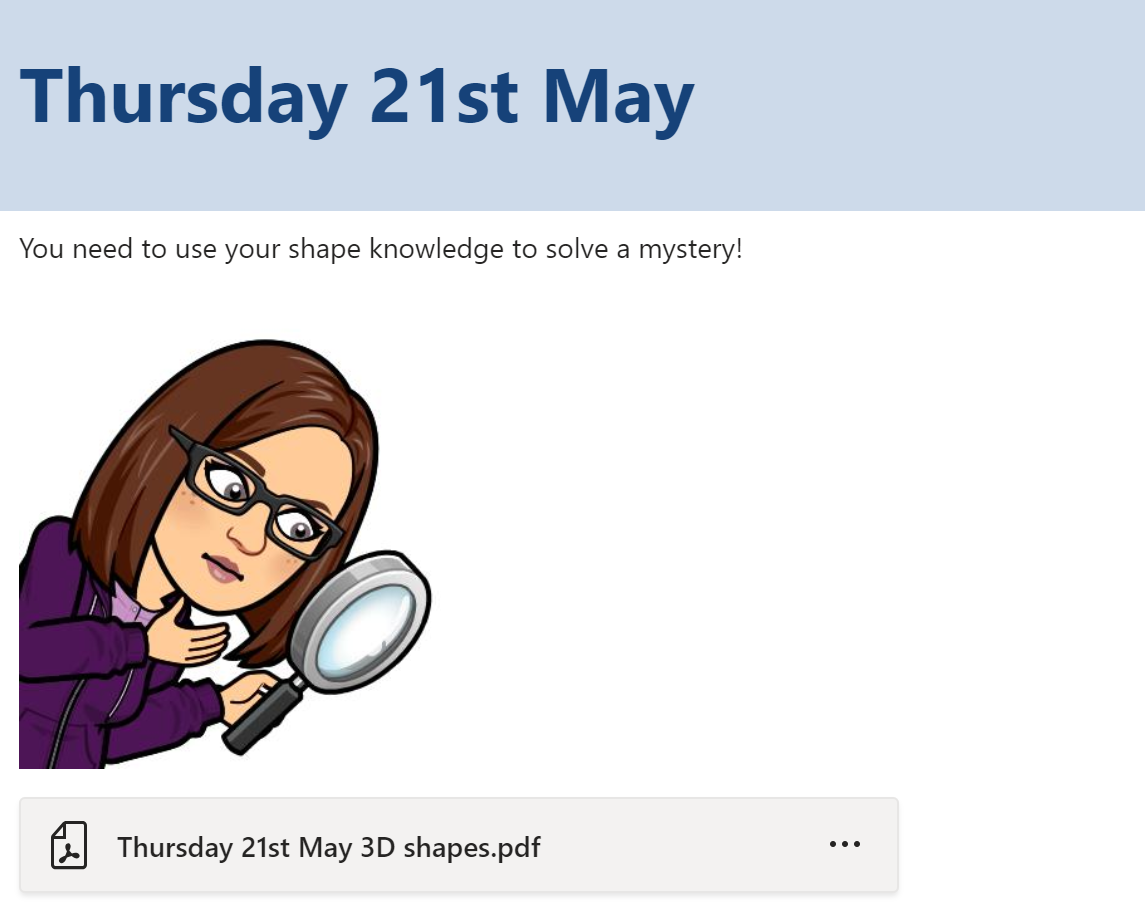
Initially pupils were having difficulty with accessing PowerPoints so I have switched to uploading PDFs. This has helped the class to easily access the work on the different devices that they use.

Example Work Announcment

Pupil Permissions

The pupils do not have permission to comment or post in the curricular area channels as I felt like their comments would result in the work I was posting getting lost. I still wanted them to have somewhere to socialise with each other and so set up “things to do when you are bored” and “random chat” channels. The pupils can all post and comment on these channels and it has given then a way to share fun ideas with their peers. The pupils can also post in the “questions about work” channel if they need some support. I have found that having this channel ensures that I do not miss any questions from pupils.

Submitting Work

When in school my class use Seesaw to share their learning with their parents/carers. As the pupils and families are familiar with this I decided to carry on using this while schools are closed. Pupils have a home learning code which allows them to post their work directly to me. I can then mark their work and store it in their online journals for each curricular area. Some pupils have opted to post their work to me on Teams and do so using the “submit your work here please” channel. I then transfer their work to Seesaw. Due to the class being used to using Seesaw I have not explored using the assignments feature on Teams, however this is something I would like to use in the future.

Class Calls

Every Wednesday we have a class call on Teams. During this time pupils have time to chat to one another and then we do a class quiz using either Kahoot or Quizziz. When using Kahoot I share my screen in the Teams call so that pupils can see the questions and answer them on their device. If we use Quizziz I share my screen so that the pupils can see the live leader board during the game. The class have really enjoyed these calls as it gives them time to hear the voices of their peers and take part in an activity in a similar way to what we would do in school. It has been lovely to hear their voices and laughter during the calls. I feel like this has helped to maintain positive relationships with the class and helps the pupils to connect with one another during this difficult time.

I have found that organising my class Team in the ways described in this post have helped to keep the Team accessible and organised for everyone accessing it. After a few initial technical issues in the first week the online classroom has been running smoothly and successfully. If you would like to see examples of the work the class have been producing I have been uploading some of their work on Twitter.

Emma Hedges. Victoria Primary School, Falkirk.