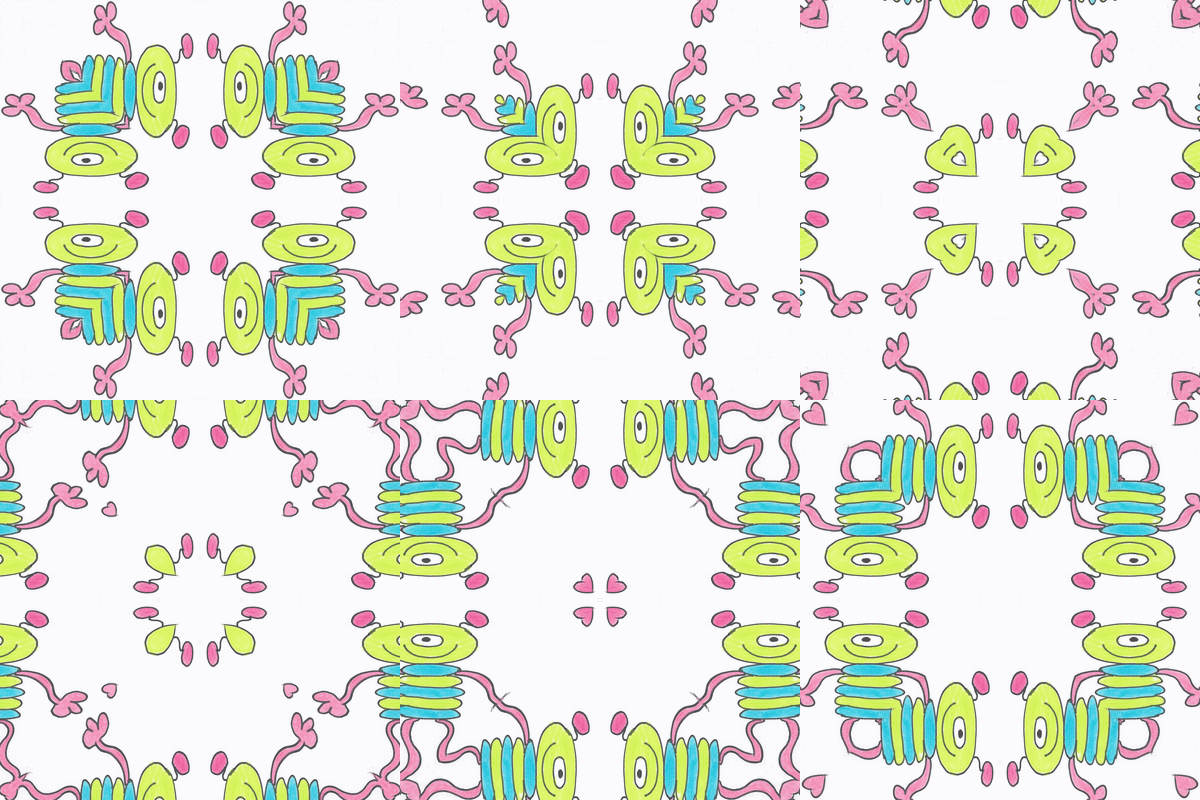
Thumbprint Art flickr photo by NomadWarMachine shared under a Creative Commons (CC BY-NC-SA 4.0) license
Thumbprint Art⤴
from NomadWarMachine
view: full | short | titles only
from NomadWarMachine
Thumbprint Art flickr photo by NomadWarMachine shared under a Creative Commons (CC BY-NC-SA 4.0) license
from NomadWarMachine
Today’s TDC

Drawing with Scissors flickr photo by NomadWarMachine shared under a Creative Commons (CC BY-NC-SA 4.0) license
from NomadWarMachine
from NomadWarMachine
I am procrastinating today as I have a writing deadline, so messing around with TDC5116. First I downloaded a pic of Lacey cat that I had taken yesterday and printed it as a 3.5 x 5 pic. Then I got out my lightbox and drew around the outline of the image in pencil. I added whiskers, eyes and feet to make it look a bit more like rubbish art.
Ta da!

Rubbish Art flickr photo by NomadWarMachine shared under a Creative Commons (CC BY-NC-SA 4.0) license
from NomadWarMachine
Today’s TDC asks us to:
Find a suitable image. Now cut it up into several pieces (16-32 is a good range). Now rearrange those pieces to form a different image. Bonus points if you go beyond squares and triangles.
I decided to make a jigsaw, so I searched for a free, online jigsaw maker. I uploaded my mastodon profile pic and followed the instructions. You can solve it for yourself here.

Doodle Jigsaw flickr photo by NomadWarMachine shared under a Creative Commons (CC BY-NC-SA 4.0) license

Doodle Jigsaw Solve flickr photo by NomadWarMachine shared under a Creative Commons (CC BY-NC-SA 4.0) license
from NomadWarMachine
Today’s TDC says:
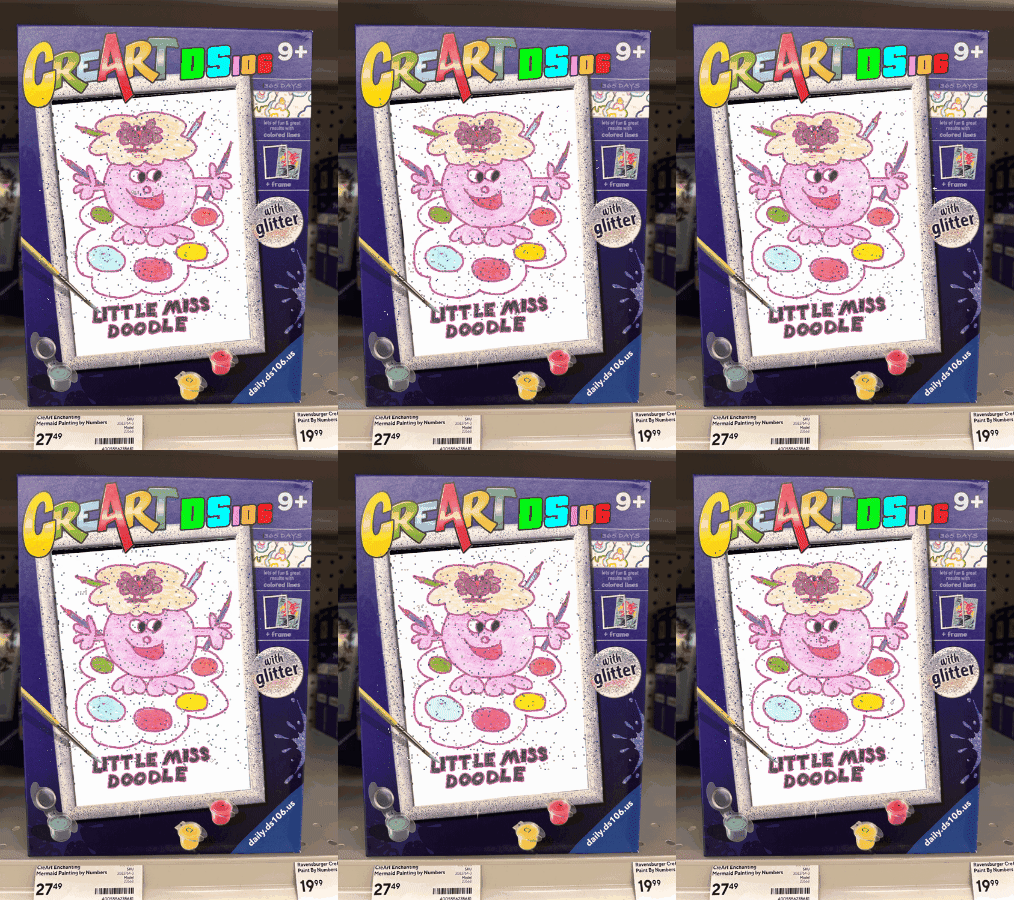
You love creating art, right? You like doing with it us here in the Daily Create, right? Put it on the shelves with this frame (transparent PNG to overlay your image of CreArting DS106 style).
For my first attempt I uploaded my doodle to LunaPic and used the glitterize filter, then use PPT to put the files together. This worked fine on screen, so I used the export as function to save as gif. Again, it all looked fine but when I added it to a Masto toot it looked like a static image.
So here’s my second attempt – a static version of the image uploaded to Giphy and glitter added there.
from NomadWarMachine
Today’s TDC asks us to
Make a digital photogram without the need for special paper or chemicals.
It’s a busy day here, with work and also a wee guy painting the house, so I knew I’d need to cheat to do this one. I found some black card and sketched out an owl, cut that out and photographed it on top of some printer paper.

Monochrome flickr photo by NomadWarMachine shared under a Creative Commons (CC BY-NC-SA 4.0) license
Then I uploaded it to Lunapic and used the negative filter to make a photogram

Photogram flickr photo by NomadWarMachine shared under a Creative Commons (CC BY-NC-SA 4.0) license
from NomadWarMachine

Christmas cards flickr photo by NomadWarMachine shared under a Creative Commons (CC BY-NC-SA 4.0) license
Time flies and it’s already nearly the end of November, so time to start making and posting this year’s Xmas cards.
from NomadWarMachine

A band without a voice flickr photo by NomadWarMachine shared under a Creative Commons (CC BY-NC-SA 4.0) license
Original image: All Souls Smile flickr photo by cobalt123 shared under a Creative Commons (BY-NC-SA 2.0) license
from NomadWarMachine

Card Making flickr photo by NomadWarMachine shared under a Creative Commons (CC BY-NC-SA 4.0) license
It was a cold afternoon today, so after spending time in the garden tidying it up for winter, Lacey and I snuggled down in my study for the afternoon. It’s been a while since I had any time to doodle, so I decided to get ahead and start sketching some Xmas cards to travel across the seas this year. No spoilers about my design for this year, of course!