TL:DR I’ve found a link that leads to google image search for images labeled for noncommercial reuse. This is handy on iOS where it is hard to get to the Usage Rights Filter, here is the link: https://www.google.co.uk/search?q=&lr=&safe=active&hl=en-GB&tbs=sur:f&tbm=isch.
Coming back to the classroom after 9 years I find I am still interested in searching for images and copyright. It still seems to be as hard to get young children to understand the problem and harder to understand and carry out attribution.
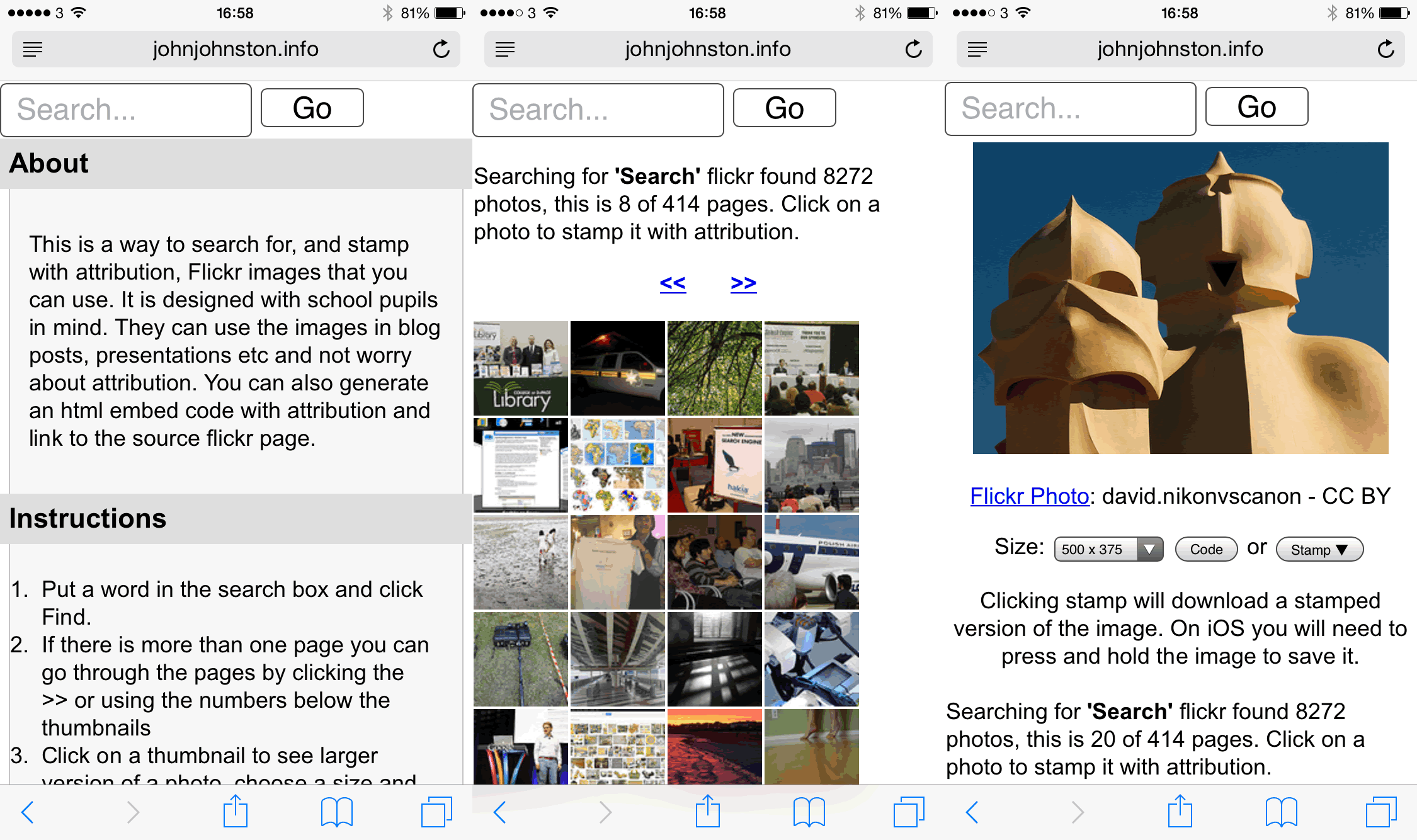
On my classes blog I link to various places to search for images with some advice on attribution. I include my FlickrCC Stampr tool which can simplify the attribution.
As well as the problem with attribution there is the ever present temptation just to search google. This is made worse by the fact that the Search Tools displayed on iOS lack the Usage Rights popup.
So I was interested in the link I saw today: How to find Google images with reuse licenses on an iPad iOS – Using Technology Better.
Unfortunately this method was described as a hack and took 6 steps to get to the advanced search and the usage rights pop up.
So I though I might have a search for the url parameters1 involved in a search with the Usage rights displayed.
There are quite a lot of parameters and although searching google for a list provides some these seem to be both undocumented and changeable:
You can expect that a lot of this will change. The reason why Google themselves do not provide any guidance or documentation on these parameters is probably that they want to retain full freedom to change how they work. You can expect that some will be removed, some will be added, and others will give a different result than before.
from: Google Search URL Request Parameters | DETECTED Which give a lot of details, but not the one I wanted.
So I went through the process in the Using Technology Better post and copied the url. I then started deleting the parameters until I found the ones that would produce the right kind of search:
https://www.google.co.uk/search?q=&lr=&safe=active&hl=en-GB&tbs=sur:f&tbm=isch
The tbm=isch bit makes it an image search, the tbs=sur:f seems to set the usage rights to Labeled for noncommercial reuse.
So you can now give pupils on iOS a direct link to search for images that labeled for noncommercial reuse.
Featured Image: found searching Flickr for search with no known copyright restrictions: Image from page 211 of “Bulletin” (1961-1962) by Internet Archive Book Images No known copyright restrictions
1. The paramaters are the bits in the url after ? for example ?q=bus&safe=active, makes a search for a bus safe. ↩